
Bundle
Ultimate Bundle
Every LUT, preset and brush we sell, in one download.
$59.99$164.94 if bought separately

Spearhead Creators Store
Color, light and bookings. Everything here runs on our own shoots first, then ships to you.
Camera-accurate color for Final Cut Pro. Pick your camera, pick a look, done in one effect.
Log footage from 15 camera profiles to a finished grade, without leaving Final Cut. Set white balance and exposure in real scene light, choose from 35 looks, then finish with halation, Pro-Mist glow, grain and a vignette you shape right in the viewer. No node trees, no round trip to Resolve.
We shoot and edit every day, so we built it for speed and quality. Our team grades every project with it.
$69.99pre-order price · $99.99 after launch
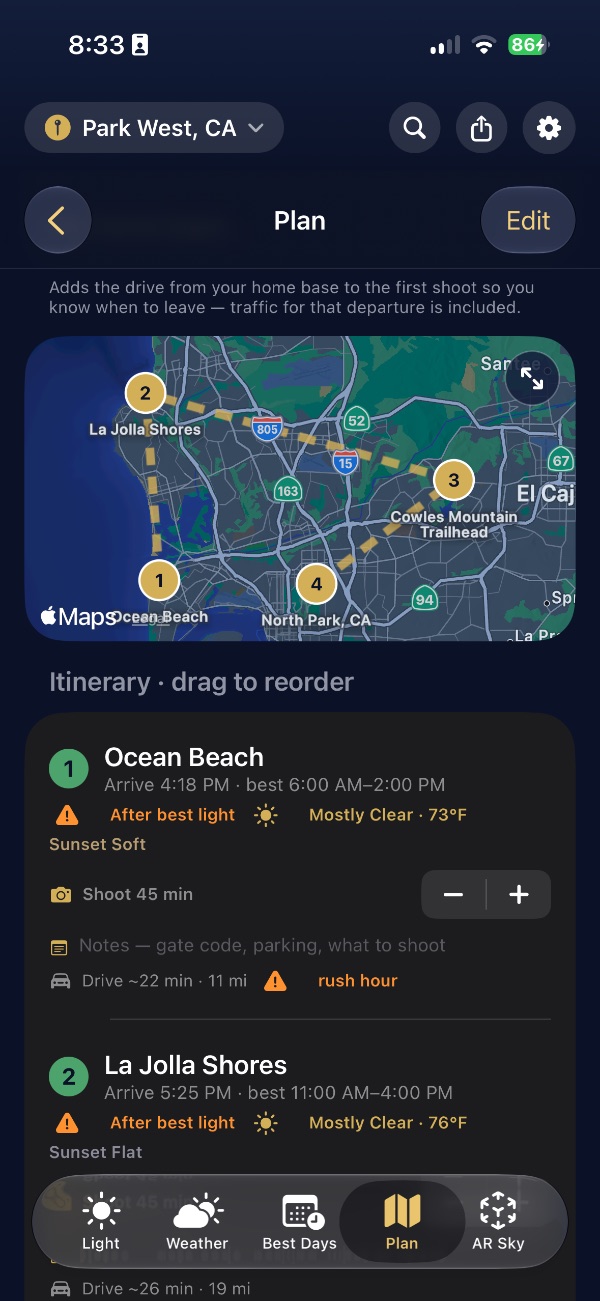
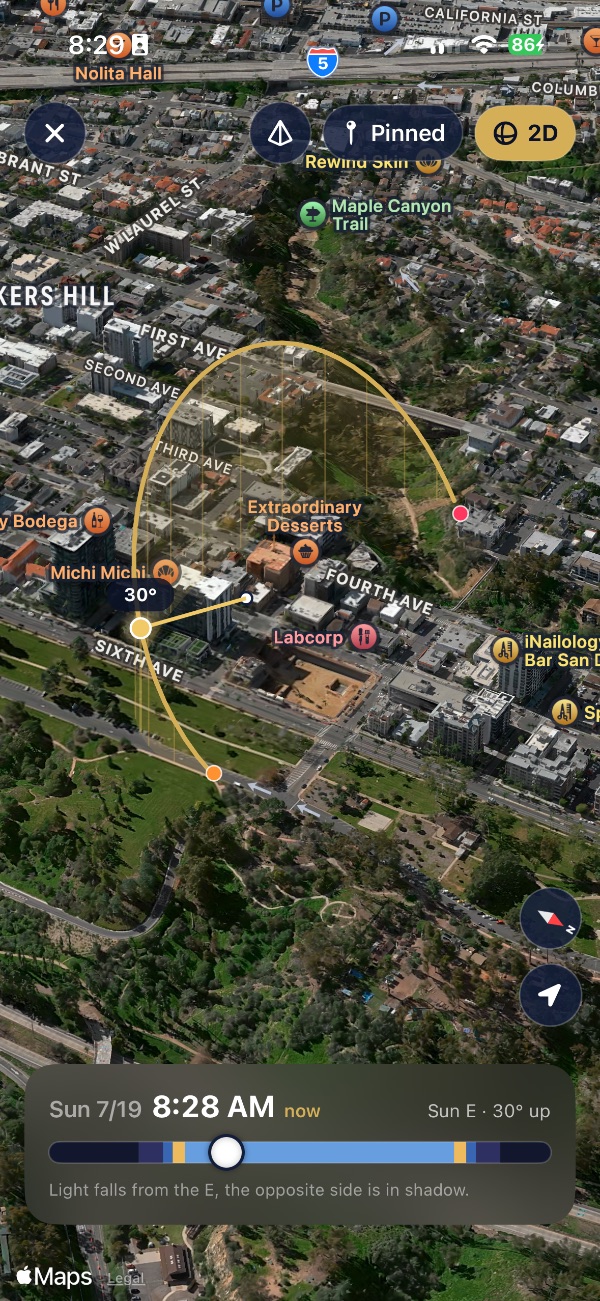
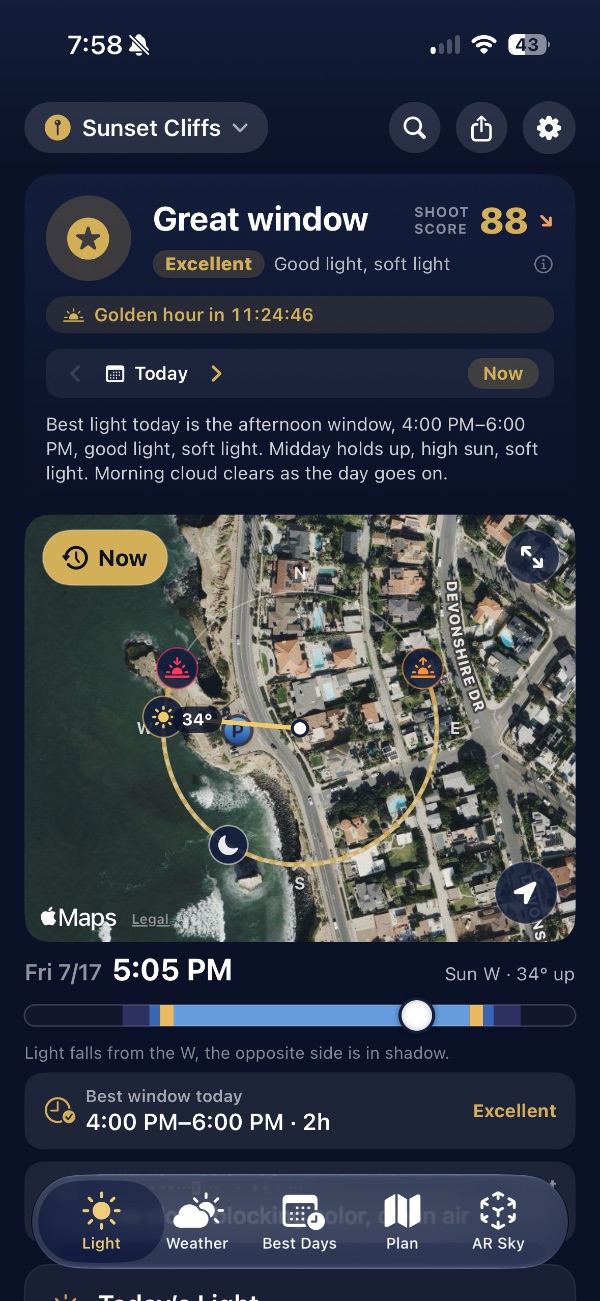
Know the light before you go.
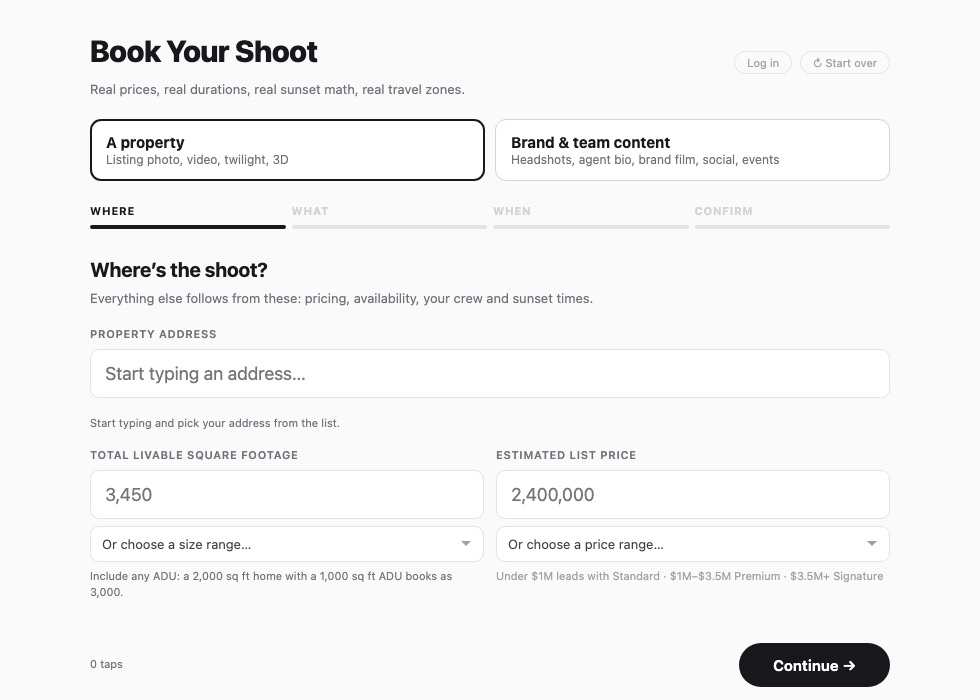
The booking platform we built for our own real estate business. Now for yours.
The live booking page: address first, because price, crew and sunset all follow from it.
LUTs, presets and brushes
Built on real jobs by the people who shot them. Every pack ships with an instruction PDF.
Every LUT, preset and brush we sell, in one download.
A cinematic look and feel for all your footage.
Dial in exposure and color for every lighting condition a listing throws at you.
Drone footage, finished. Built for DJI D-Log and D-Log M.
A distinct look for any photo, in a few clicks.
Looks, sky masks and finishes made for aerial photography.
Enhance, fine tune and finish every part of the frame.
Creators on the tools
These LUTs really give my drone footage that cinematic look.
I am mainly a portrait photographer but recently started shooting condos. I picked up the creative pack and the brush pack and wow. So useful.
The Real Estate Pack has greatly improved the efficiency and consistency of my real estate photos.
Getting proper exposure and color is the hardest part of real estate video. With these LUTs I can finally get the look I have been going for.
The Real Estate LUTs and Lightroom presets have cut my post production time in half.
I have always struggled with grading real estate footage. These LUTs changed everything for me.
Bought the Technical LUTs to bring back detail from blown-out windows. I still need to expose correctly, but it works as advertised.
I have been looking for real estate specific LUTs for a long time. This pack has LUTs for different lighting conditions. Exactly what I wanted.
FAQ
Still stuck? support@spearheadmedia.com. A real person, usually the same day.
Final Cut Pro on a Mac with macOS 13 Ventura or later, Apple silicon or Intel. It is tested on Final Cut Pro 12.4 and renders on the GPU. It installs like any Final Cut effect and shows up in the Effects browser under Spearhead Media.
It releases 6 November 2026. Pre-order today and the Spearhead Ultimate Bundle is yours right away; the plugin and your serial arrive on release day, by email and on your order page.
15 log profiles: Apple Log and Apple Log 2, ARRI LogC3, Blackmagic Film Gen 5, Canon C-Log 3, DJI D-Log and D-Log M, Fujifilm F-Log, GoPro GP-Log, GP-Log2 and Protune Flat, Nikon N-Log, Panasonic V-Log, RED Log3G10 and Sony S-Log3, plus Rec.709 passthrough. Anything else, add its conversion LUT as a .cube file.
No. Pick your camera and one of the 35 looks and you are most of the way there, and the presets cover the common interior, exterior, bright-sun and twilight setups. White balance, exposure, color wheels and film finishing are there when you want them.
Not yet. 1.0 is for Final Cut Pro on the Mac. Resolve and Premiere versions are planned next, with no dates promised.
No. It grades in Rec.709. In a wide gamut library it converts to Rec.709, grades and converts back, so colors outside Rec.709 are clipped.
Two per serial. Paste the serial into the Spearhead Color System app to activate, and deactivate a Mac in the app or on your order page to move it. Once activated, a Mac works offline. Without a serial the effect still works with a watermark, so a project always opens.
Yes. The app checks once a day (you can turn that off) and installs updates in place, keeping your activation, presets and LUTs. Projects open looking the same after an update.
Yes. Import 3D .cube LUTs, Resolve exports included, as camera conversions or as looks. The 35 built-in looks are part of the plugin and are not sold as a separate LUT pack.
The technical packs are built for real estate and architecture: separate LUTs for interiors, exteriors, window detail and twilight rather than one log-to-709 transform. The creative packs are for every genre. All of them exist to give you consistent, polished results fast, with room to customize.
Shooting listing video, start with the Real Estate LUTs. Flying a drone, start with the Drone LUTs. Editing listing photos, start with the Lightroom Real Estate Preset Pack. If you do all three, the Spearhead Ultimate Bundle is every pack for less than three of them bought separately.
Looks for the situations you actually shoot: bright interiors, mixed light interiors, exteriors at midday, overcast exteriors and twilight. Each one has a strength you can dial back, so a whole listing cuts together without drifting in color.
They pull detail back out of blown-out windows and balance the color cast that comes from mixing daylight with warm interior bulbs. They are a repair tool, not a magic one. You still need to expose for the window and light the room.
Aerial-specific looks for DJI log footage, tuned for the way skies, water and rooftops behave from the air. There are separate options for coastal haze and for clean high-contrast days.
A modular pack for flambient and HDR editing. It works in steps: white balance, pre-blend toning, flash, color cast, then post-blend color and detail. You move down the list and the image comes together.
A modular pack with film-like bases and a Looks category, plus grain and split tone. Pick a base, then use the amount slider to set how far you want it pushed. It suits portraits, travel, landscape and lifestyle as much as property.
Sky masks, fifty Looks presets, grain and split tone, all built for aerial stills.
They are AI masks that only affect the sky. Select a sky mask preset, then open the masking panel in Lightroom or Camera Raw and the sky is already selected, with everything else untouched.
Over fifty custom brushes for Lightroom and Camera Raw. They handle the local work that eats your time: repairing grass, enhancing sky and foliage, adding detail, and creating separation between surfaces.
Yes. Every LUT pack and every preset pack in one purchase, and anything we add to those packs later comes to you free.
No. Each pack is a set of looks, masks and brushes you build on, so a whole batch stays consistent and still looks like your work. A PDF guide comes with every pack, for Lightroom and Camera Raw on Mac and Windows.
Sony S-Log3, Panasonic V-Log, DJI D-Log and D-Log M, Canon C-Log3 and Apple Log, with Rec.709 versions for footage that was never shot in log.
The LUTs are .cube files, so they load in Premiere Pro, Final Cut Pro, DaVinci Resolve and anything else that takes a LUT. The presets are for Lightroom Classic, Lightroom CC and Adobe Camera Raw.
Every pack downloads with a PDF walkthrough covering Lightroom, Camera Raw and the main editors, on both Mac and Windows. It takes a couple of minutes.
Not on their own. Get exposure and white balance close in camera and these will take you the rest of the way quickly. Nothing in post replaces lighting the room.
No. It is a one-time purchase on the App Store, uses Apple Weather, and collects no data.
That is the plan. ShootDeck runs Spearhead's own bookings today and is being opened up to other studios. Register interest on shootdeck.io and we will let you know when plans go live.
Straight away. Checkout sends a download link to your email, and the same link stays available if you need the files again on another machine.
Yes. Use them on as many of your own projects, paid or personal, as you like. The one thing you cannot do is resell, share or redistribute the files themselves.
No. When we add to a pack you already own, the update is free.
Email support@spearheadmedia.com with your order number and what you are seeing, and we will fix it: a corrected file, or help getting it installed. Digital sales are final, so downloads are not refunded.
The Spearhead family